Retrieve files from, an automation server's own filesystem without needing RDP or a file share on that machine. This job lives in the Server Admin group of server processes and is run from the Self Service Data job list.
Get File From Server - bringing a file back
Retrieves one file from the automation server's filesystem and returns it as a job output, which you then download from the job's results.
To do this all you need to do is input the Absolute path to the file as the server sees it. One file per run with no wildcards.
You will want your path format to follow the server’s operating system e.g. Windows server — C:\YourCorp\Exports\customers_20260922.csv or Linux or Docker server profile — /opt/yourcorp/output/run.log
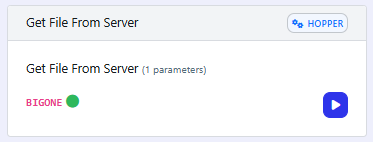
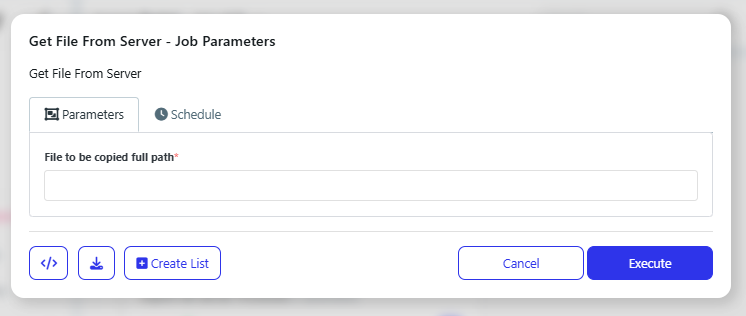
The job can be run now or set to run later or on a recurrence: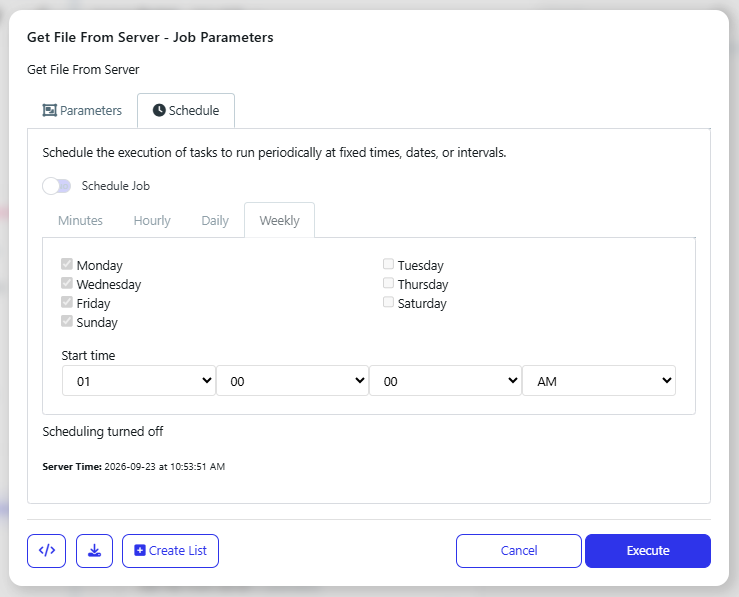
Troubleshooting
"File not found" usually means the wrong server, not the wrong path. These jobs exist on every server profile and each runs against its own disk. Confirm the profile before re-checking the path.
Paths are the server's, not yours. A UNC path to your own PC, a mapped drive letter, or a relative path will not resolve. Use an absolute path as the server sees it.
Get File From Server takes one file. No wildcards and no folders - use Create List with a Data List to retrieve several in one submission.
Backslash paths mean nothing on a Linux or Docker server profile. Match the path style to the server's operating system.