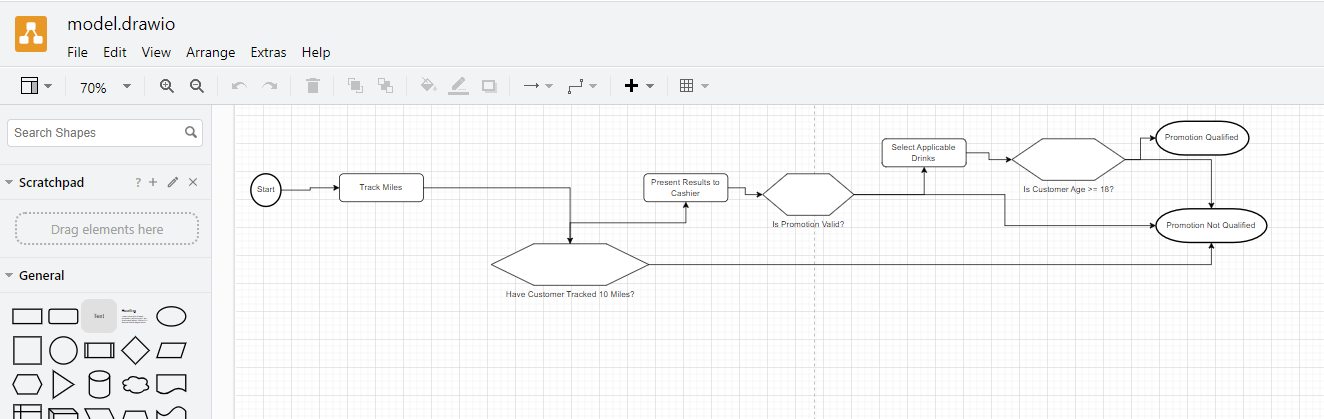
In this article, we'll cover exporting models in Quality Modeller to DrawIO.
To get started with this tutorial, create or open an existing model in Quality Modeller.
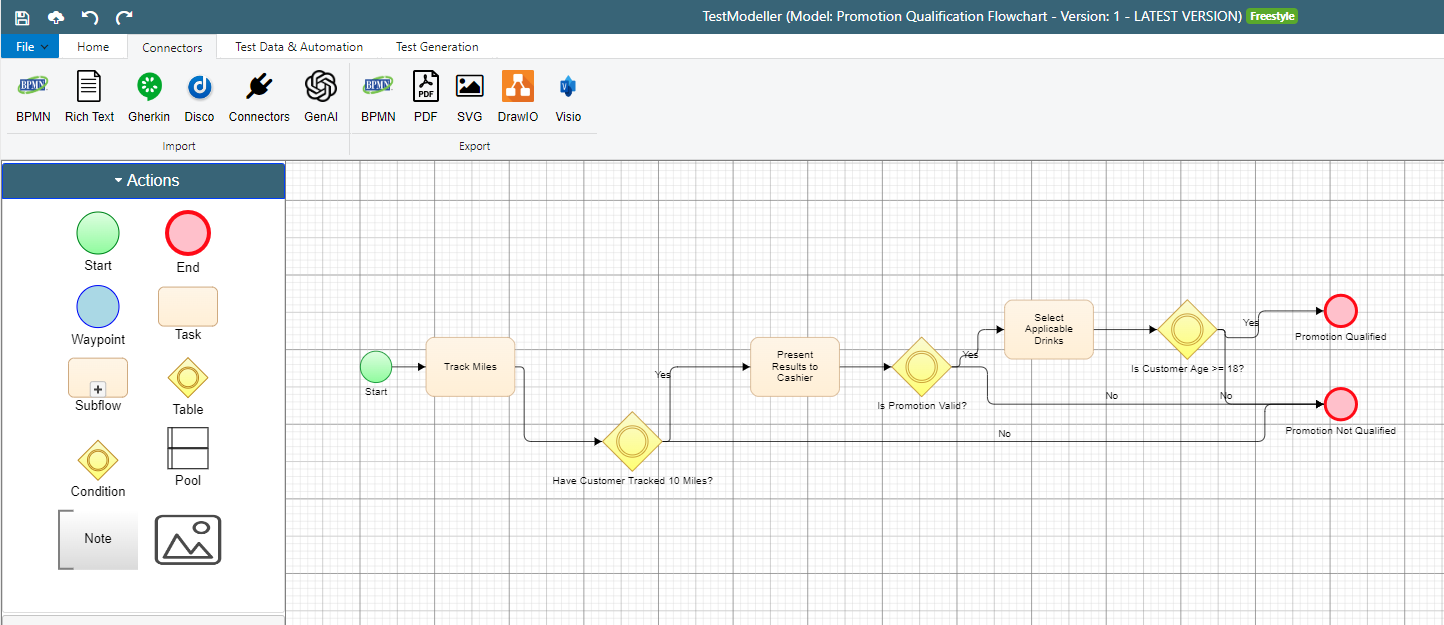
Navigate to the Connectors tab and select to Export to DrawIO. 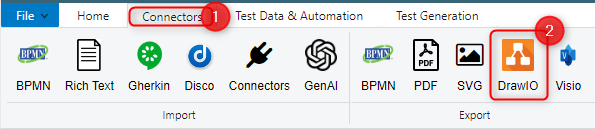
Once you press DrawIO a file will be downloaded which can be opened in DrawIO.
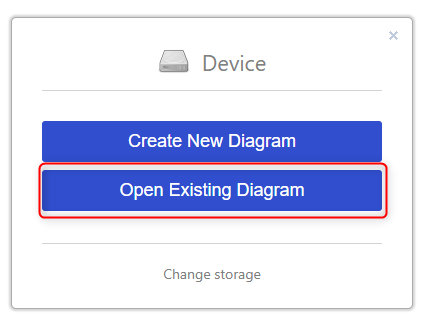
Select the downloaded .drawio file. The exported model should be displayed.