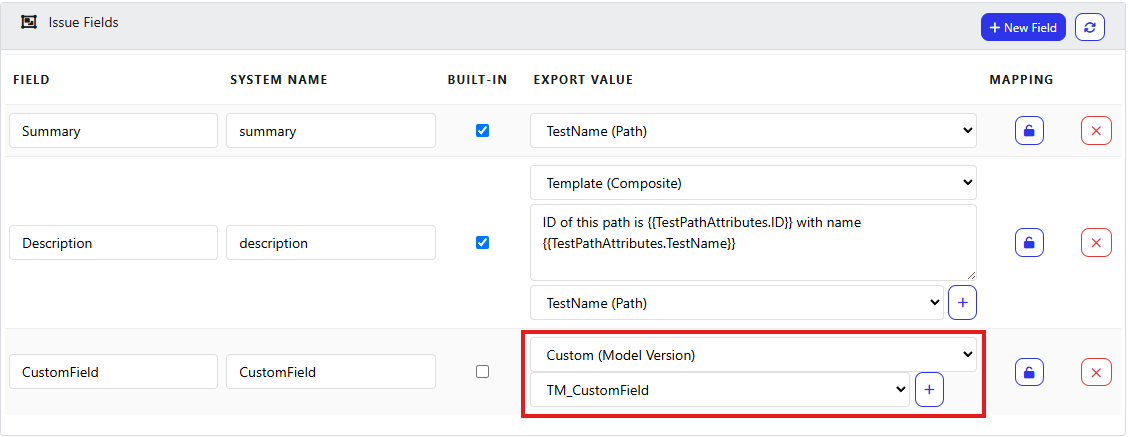
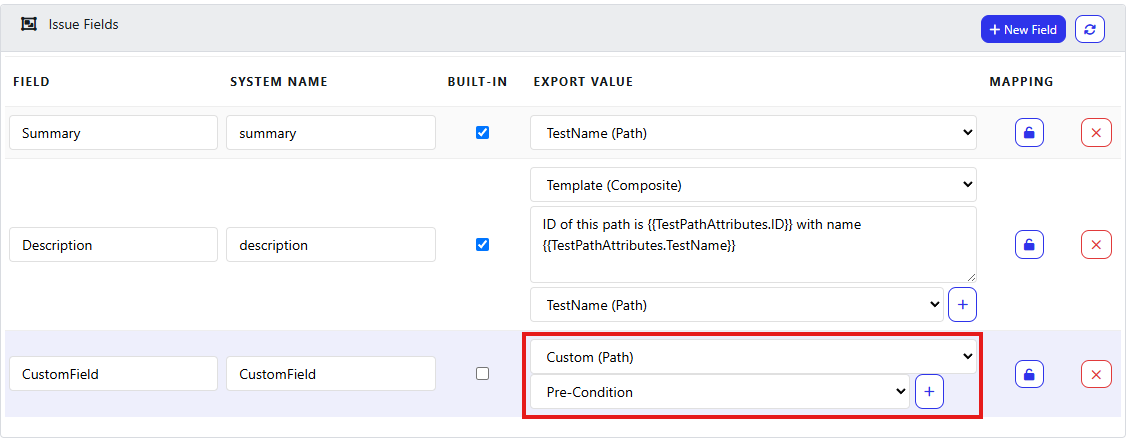
In this section, you will learn how you can populate various Test Case fields when exporting your tests from Quality Modeller via Custom fields and Concatenation.
Concatenating fields in Field Mappings
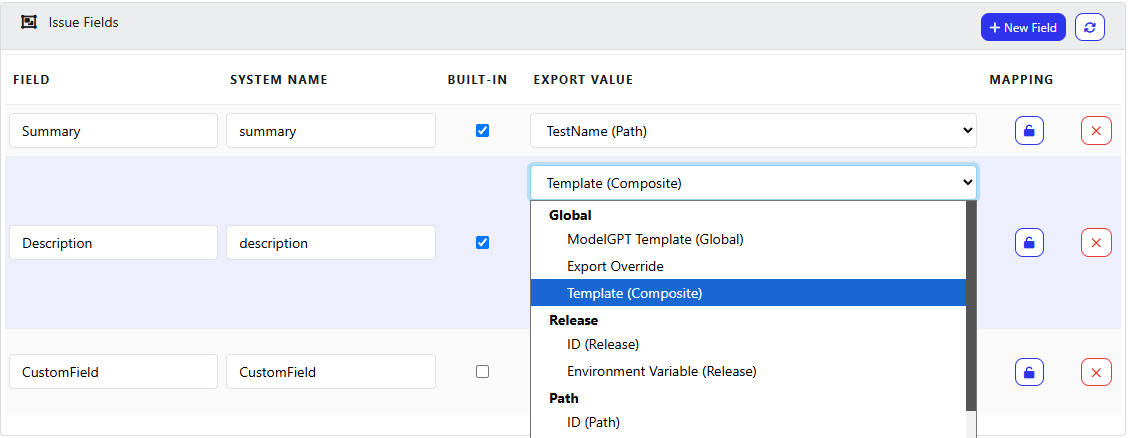
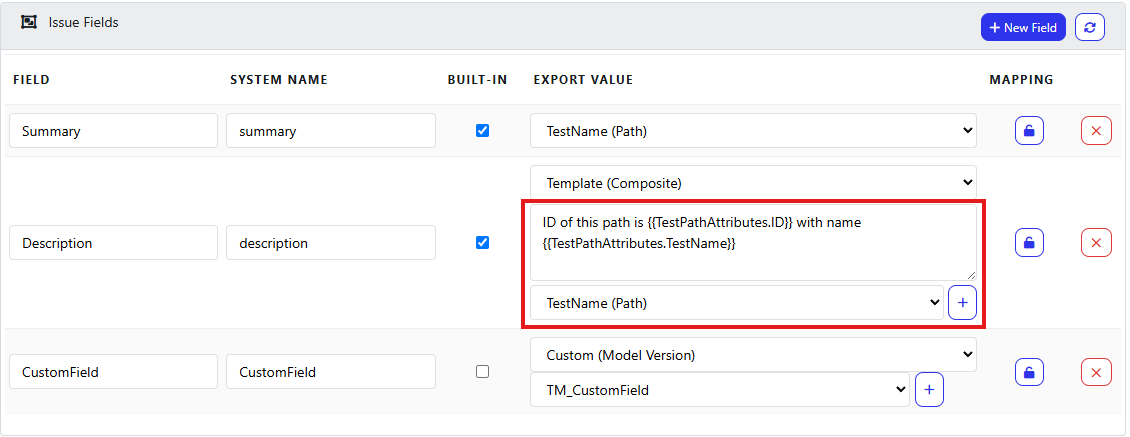
From the above image, by selecting Template (Composite) you have the ability to combine both values and free text, providing more flexibility when exporting these values. See below, you can select what values to include with the second dropdown, and then add that into the text area along with free text.
Custom Fields
You can also populate field values with Custom Fields that have been set in your workspace, these can be applied at Path and Model Version levels.